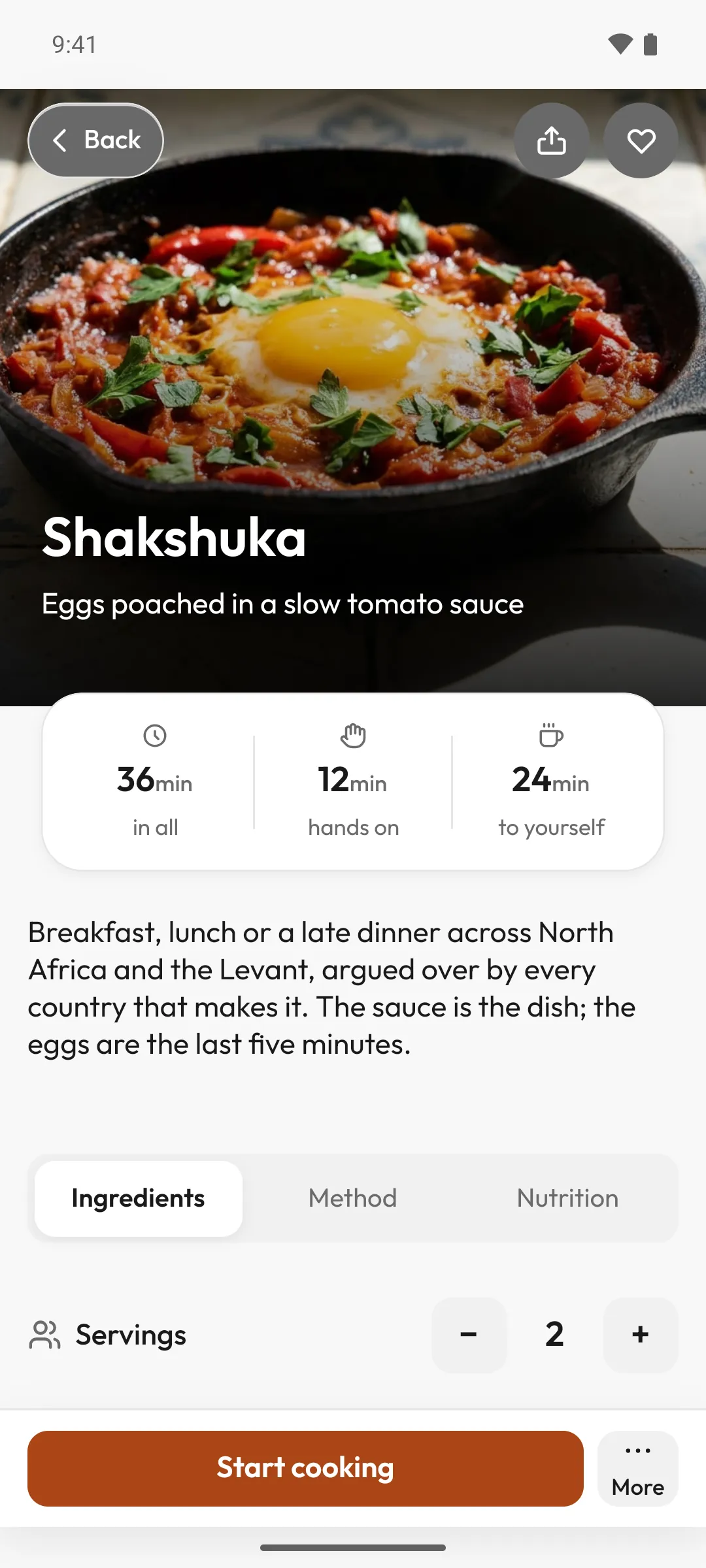
Waft is a calm cooking companion. Zuri reads each step aloud, waits for your word, and keeps the timer.
Coming soon to iPhone and Android.
Your first recipe is free.
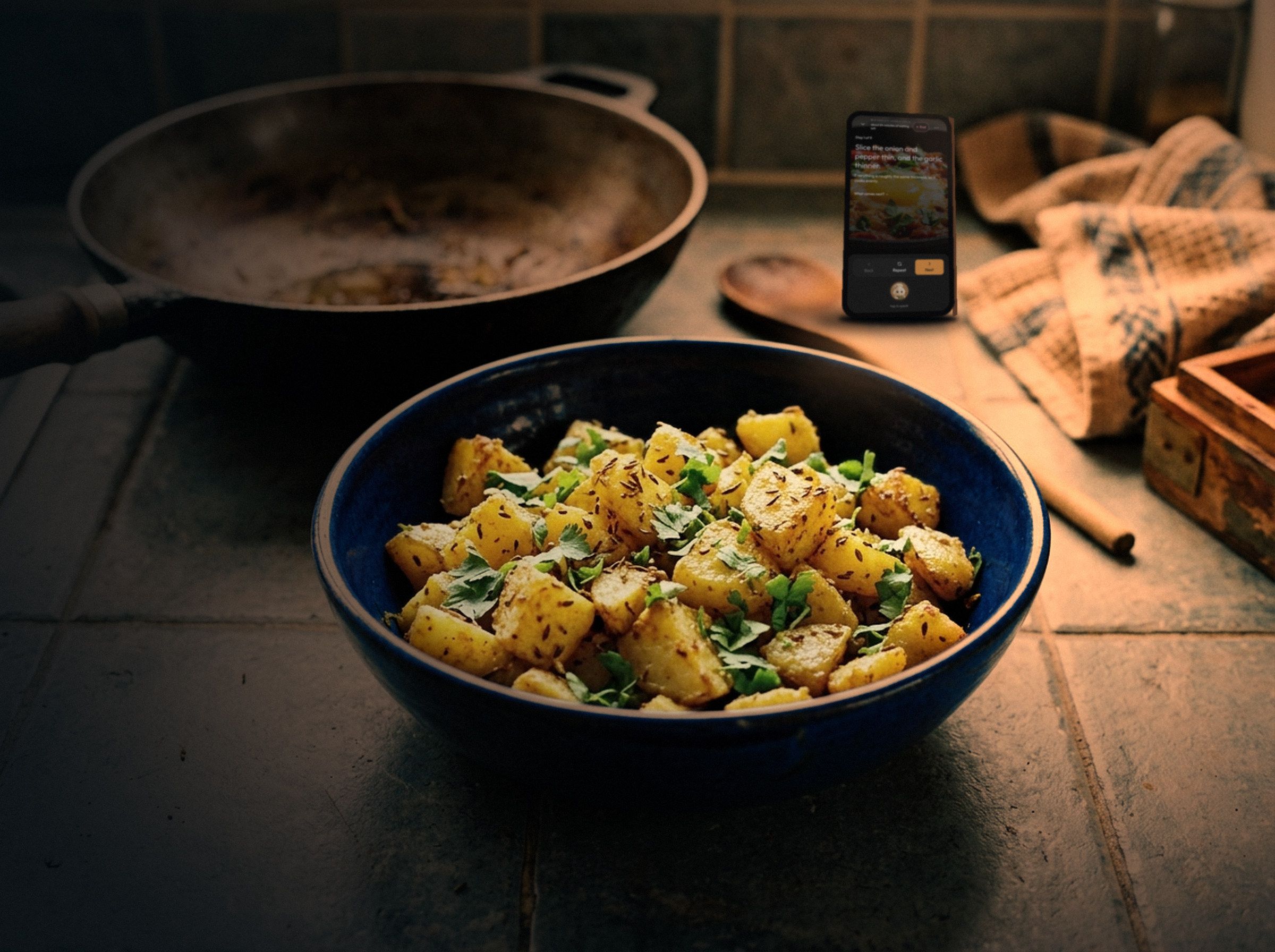
Your phone is across the counter.
Your hands are in the dough. That’s how cooking should be.
Your companion at the stove
Meet Zuri.
Zuri cooks every recipe with you in Waft. It keeps your place and never rushes you.
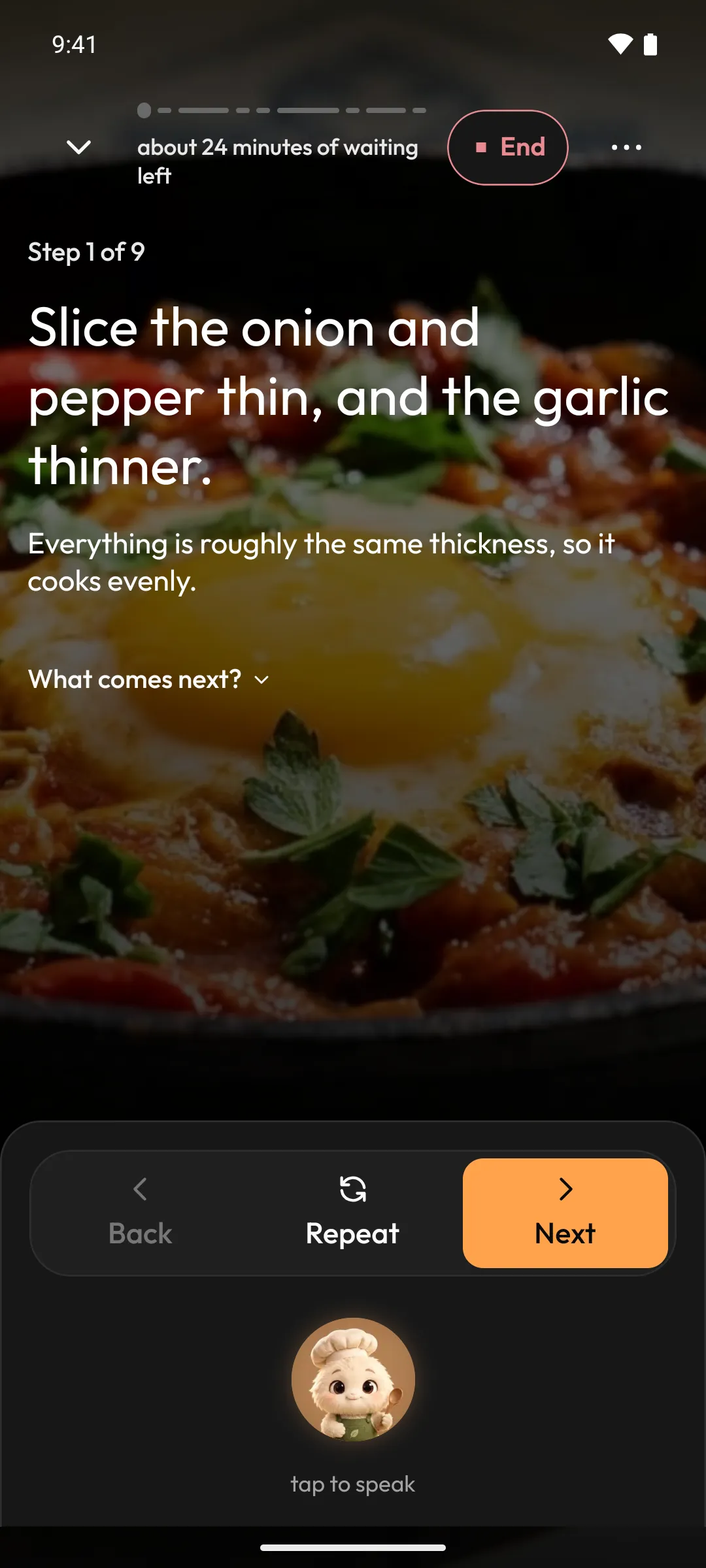
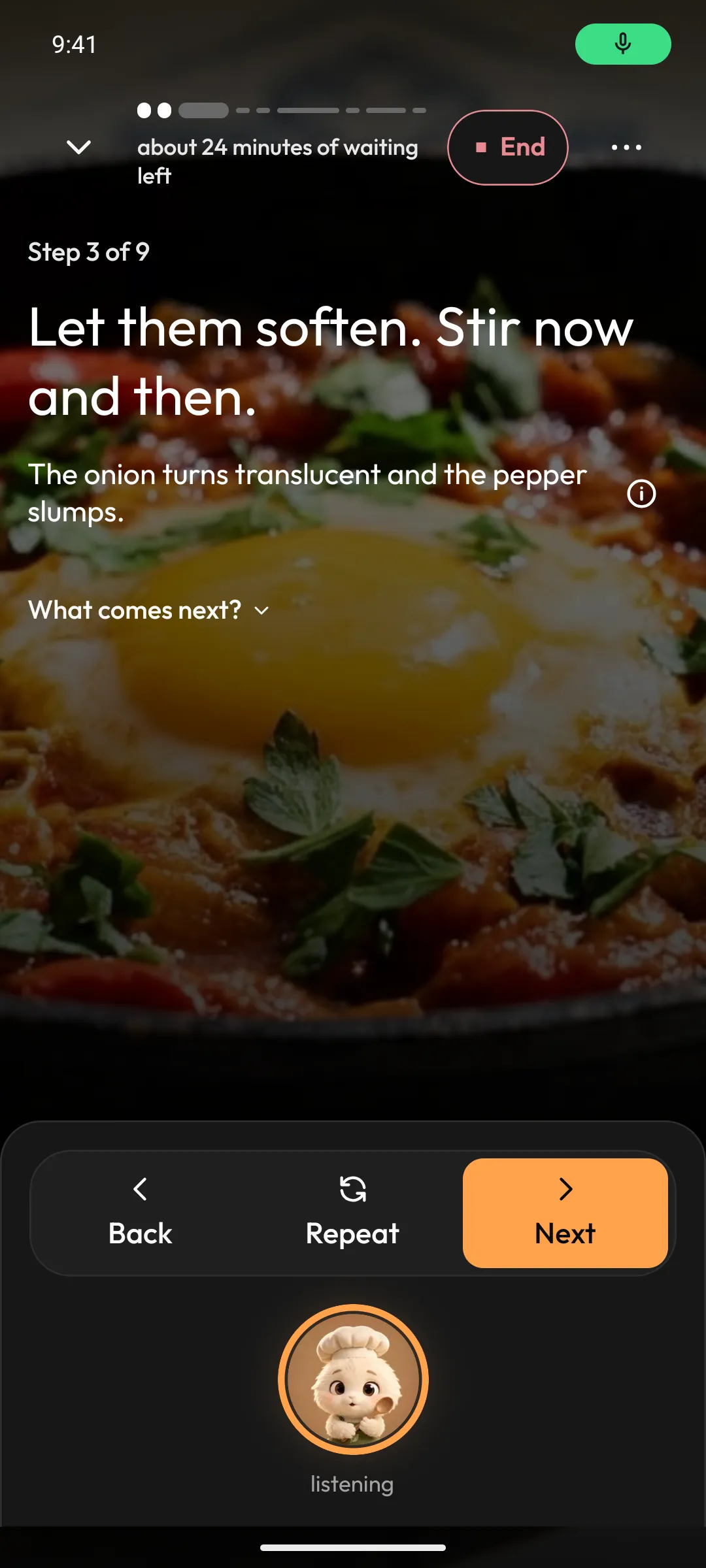
It reads each step aloud.
One step at a time, in a calm voice and type you can read from the stove. Then it waits, for as long as the onions need.
It listens for its name.
Turn on hands-free, and it waits for its name while you cook. Your hands stay in the pan.
Ask what you’d ask a friend.
“Can I use butter instead?” A short answer about this step, then back to the pan.
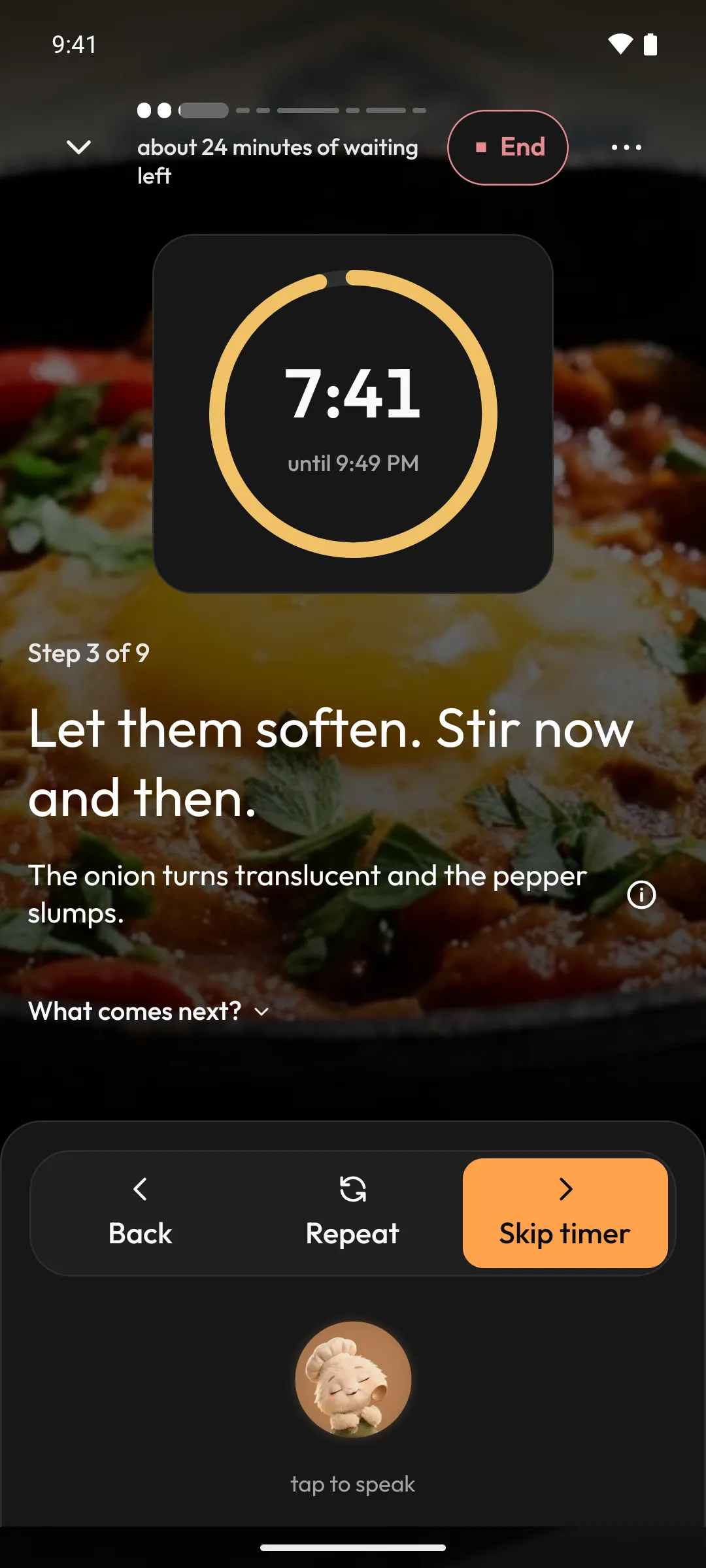
It rests while the timer runs.
Go and lay the table. It keeps the count.
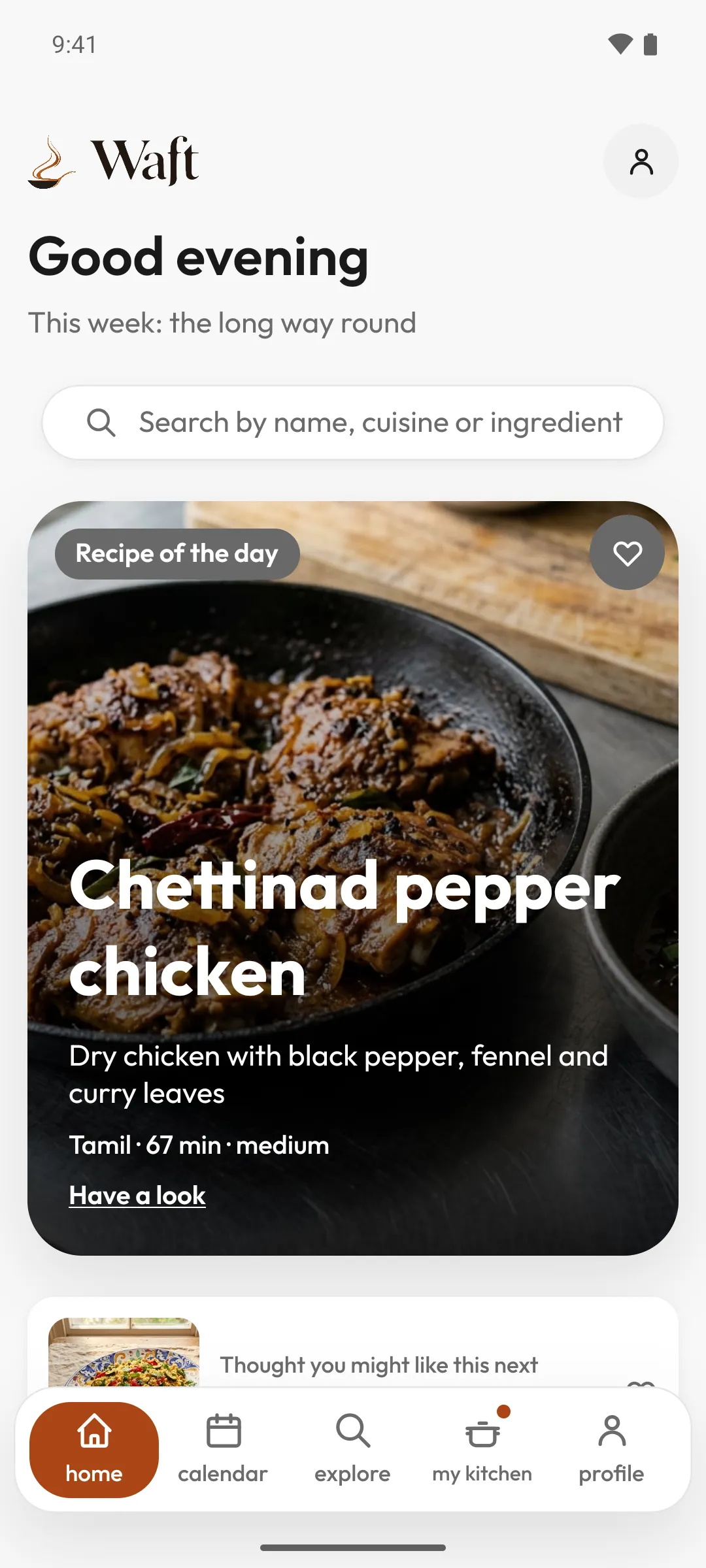
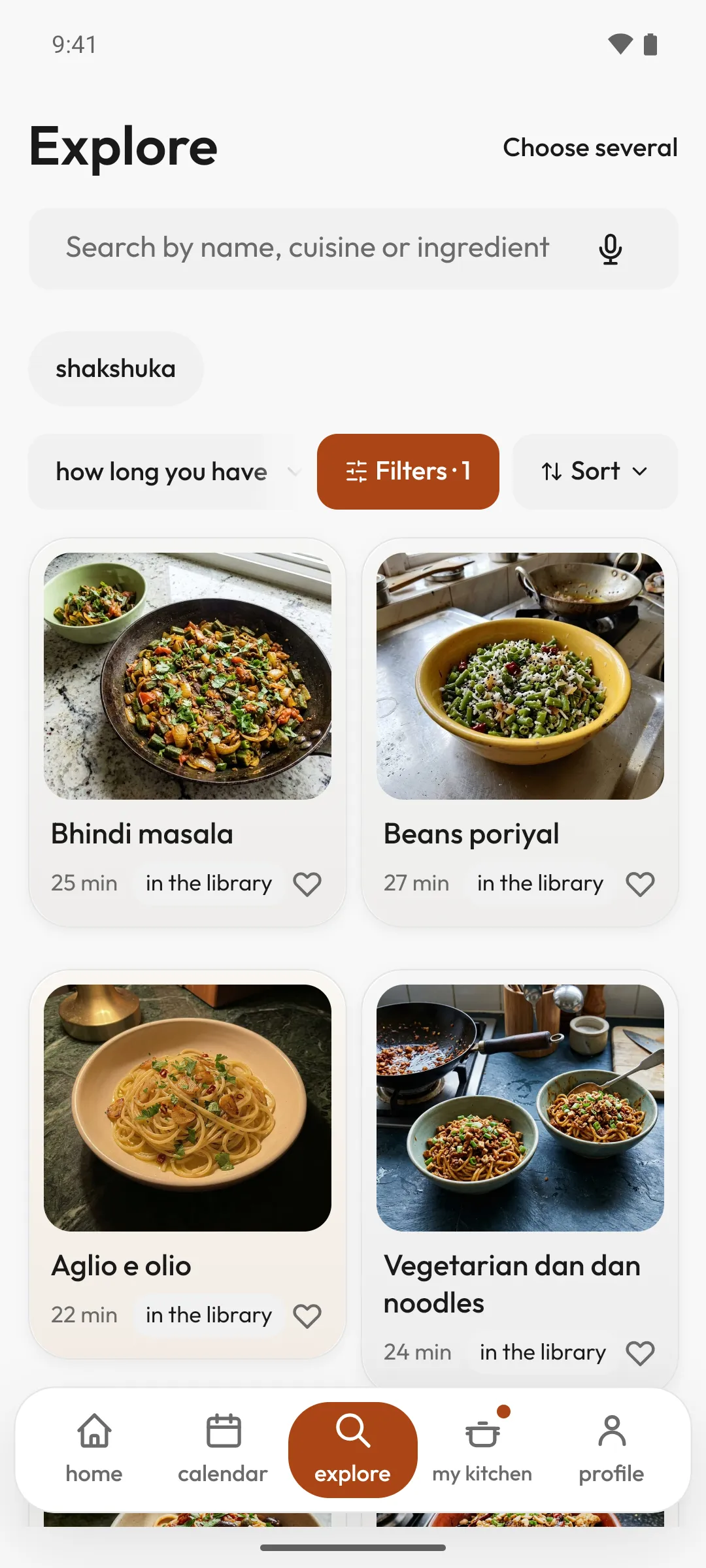
Find tonight’s dish.
A recipe library that keeps growing. Choose a diet, and what doesn’t fit steps aside.
Vegetarian
Gluten-free
Nut-free
Dairy-free
Allergen filters hide recipes with what you and your household avoid.
Olive oil
Onion
Red pepper
Garlic
Ground cumin
Sweet paprika
Tinned chopped tomatoes
Eggs
Everything ready before the pan.
Set the servings, tick off what you have, see what you can swap.
“Zuri, next”
“say that again”
“how long left”
Say it, or tap it.
With hands-free on, say “Zuri, next”. Or tap Zuri and say “next”. Every word has a button too, for the days the fan wins.
Hands-free listens only while a recipe is on the cooking screen, never in the background.
“Zuri, next”Add the garlic, cumin and paprika, and stir for half a minute.
“Zuri, next”Pour in the tomatoes, season with salt, and break them up with the spoon.
“Zuri, next”Let the sauce reduce.
See every phrase
With hands-free on, say “Zuri” first. Or tap Zuri to speak, or tap the button.
Say
Or tap
“next”, “done”, “ready”
Next
“say that again”, “repeat”
Repeat
“go back”, “previous step”
Back
“how long left”
The timer, on the screen
The timer keeps time.
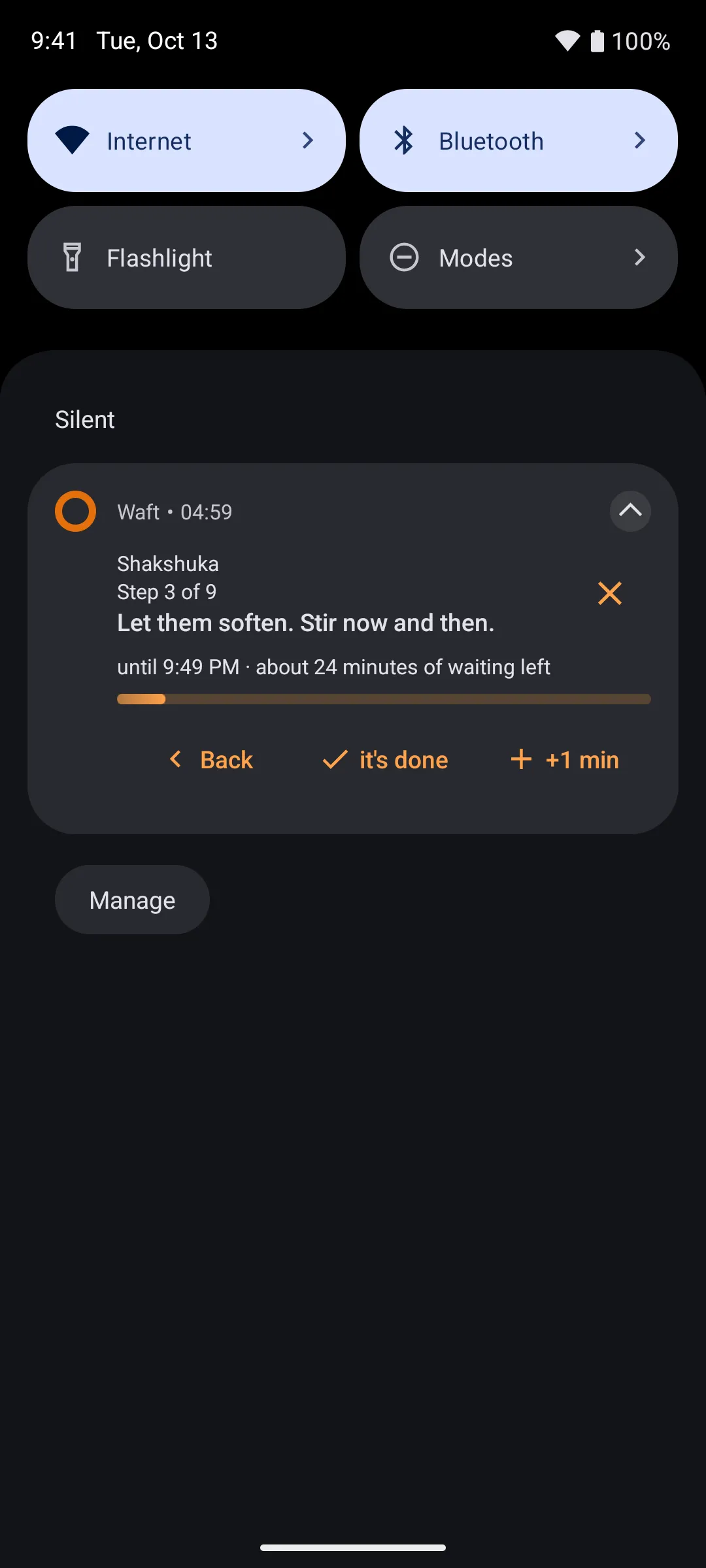
Lock the phone, answer the door. It chimes in the kitchen and finds you on the lock screen.
One timer, and it nudges you if you miss it.
Dinner’s ready.
A note of what you made, and one idea for another day. Then it lets you go.
Your recipes
Every recipe you love, in one calm place.
Bring in the ones you already cook, and keep them together in cookbooks.
A recipe page
YouTube
TikTok
A caption you paste
Save from a link
Paste a link. Cook it with Zuri.
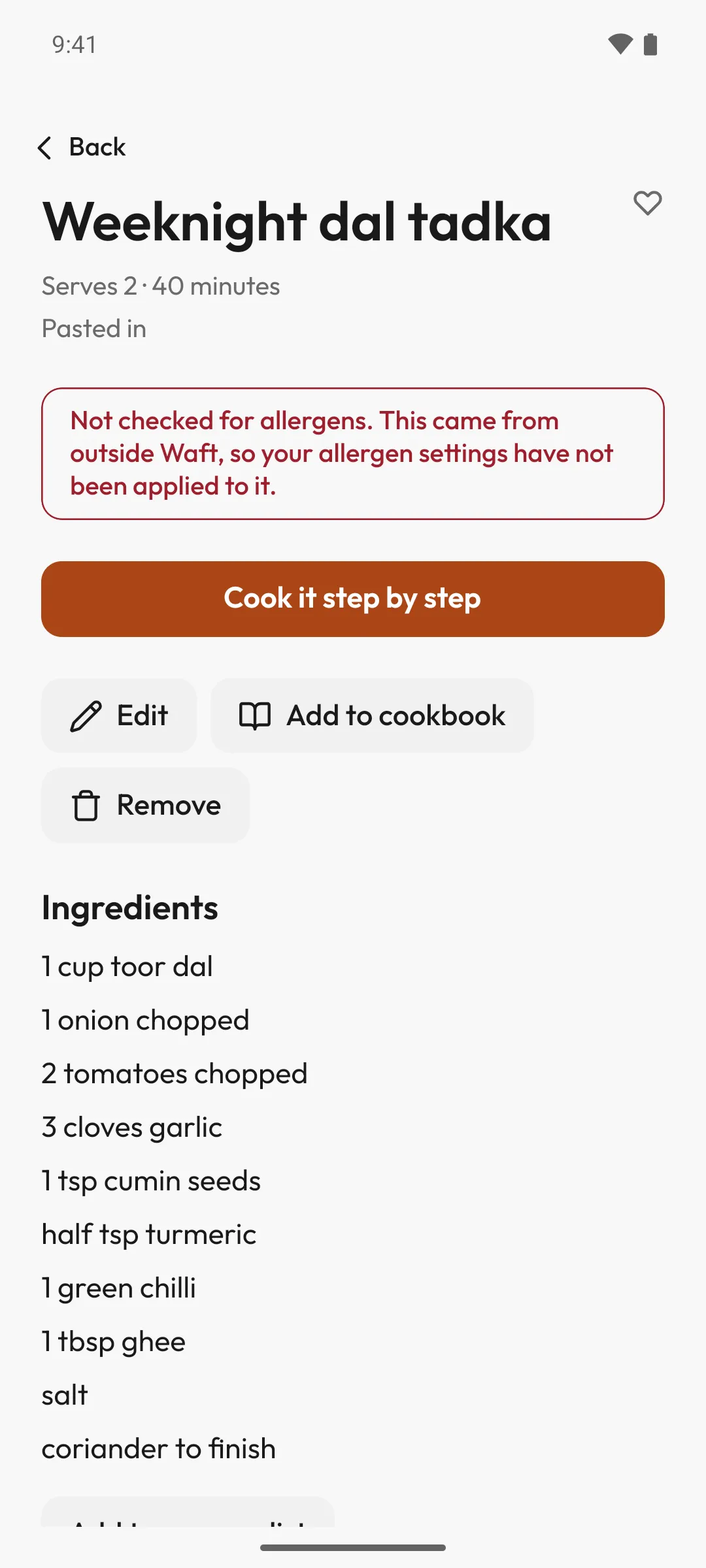
Waft reads it and lays it out as a recipe of your own, with steps Zuri can read aloud. Check it over, then save.
It keeps the dish’s own picture, from the video or the page
What you need goes on the grocery list
Not checked for allergens, and the recipe says so
Weeknights
Soups and stews
From home
Cookbooks
Cookbooks of your own.
Gather the recipes you come back to: weeknights, slow Sundays, the ones from home. Waft’s, the community’s and your own, side by side.
Share one with a link that opens it in Waft
Make one public, for anyone in Waft to find. Your imports stay private
Keep a copy of a cookbook someone sends you
Beyond tonight
The whole week, as calm as tonight.
Planning, shopping and a note of what you ate, done the same unhurried way.
Meal planner
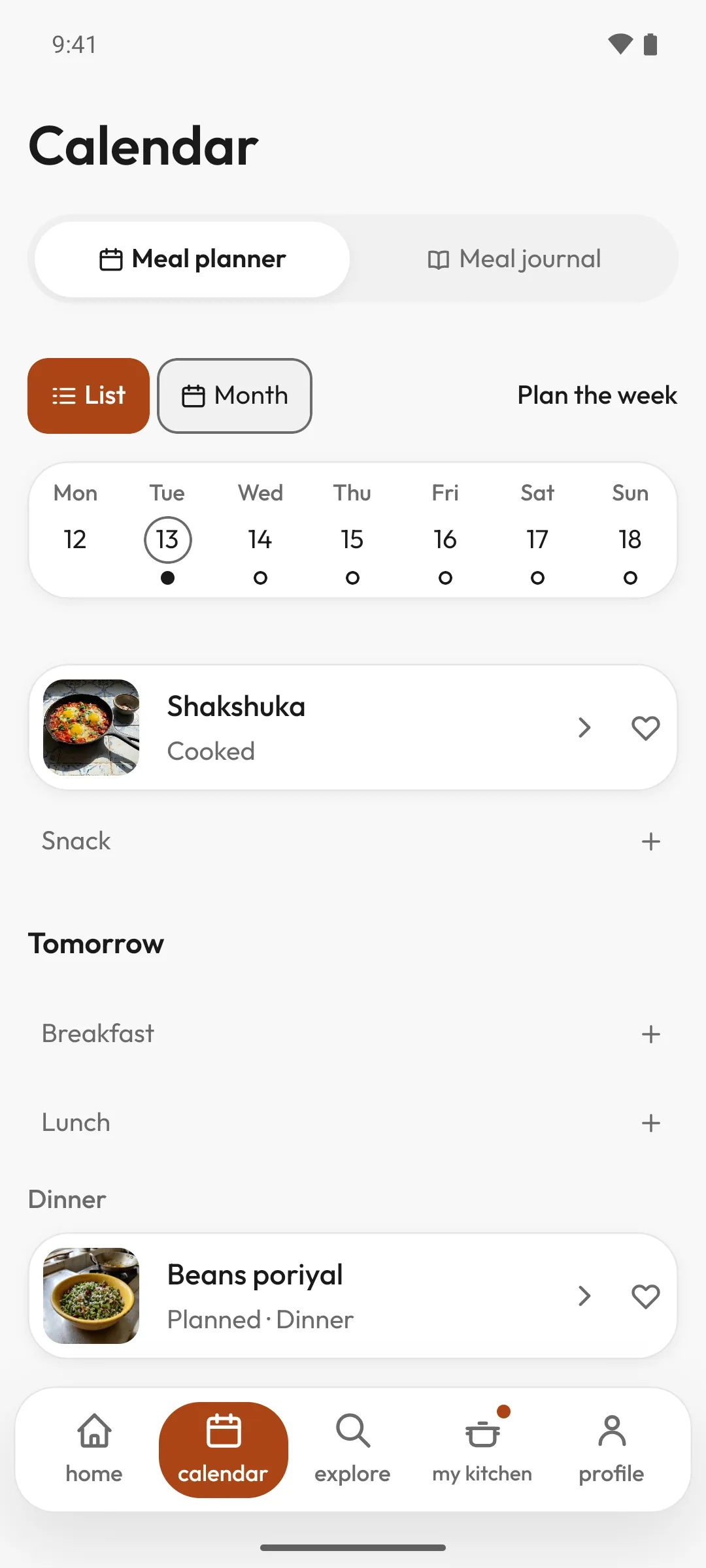
A week, planned in a minute.
Say which meals you want, and Waft proposes a week around your diet, your allergies, the time you have and what you haven’t cooked lately. Swap a dish, keep a favourite, then put the week on the calendar.
Breakfast, lunch, dinner or a snack
Worked out on your phone, from what you eat
The whole week, added to the grocery list
Grocery list
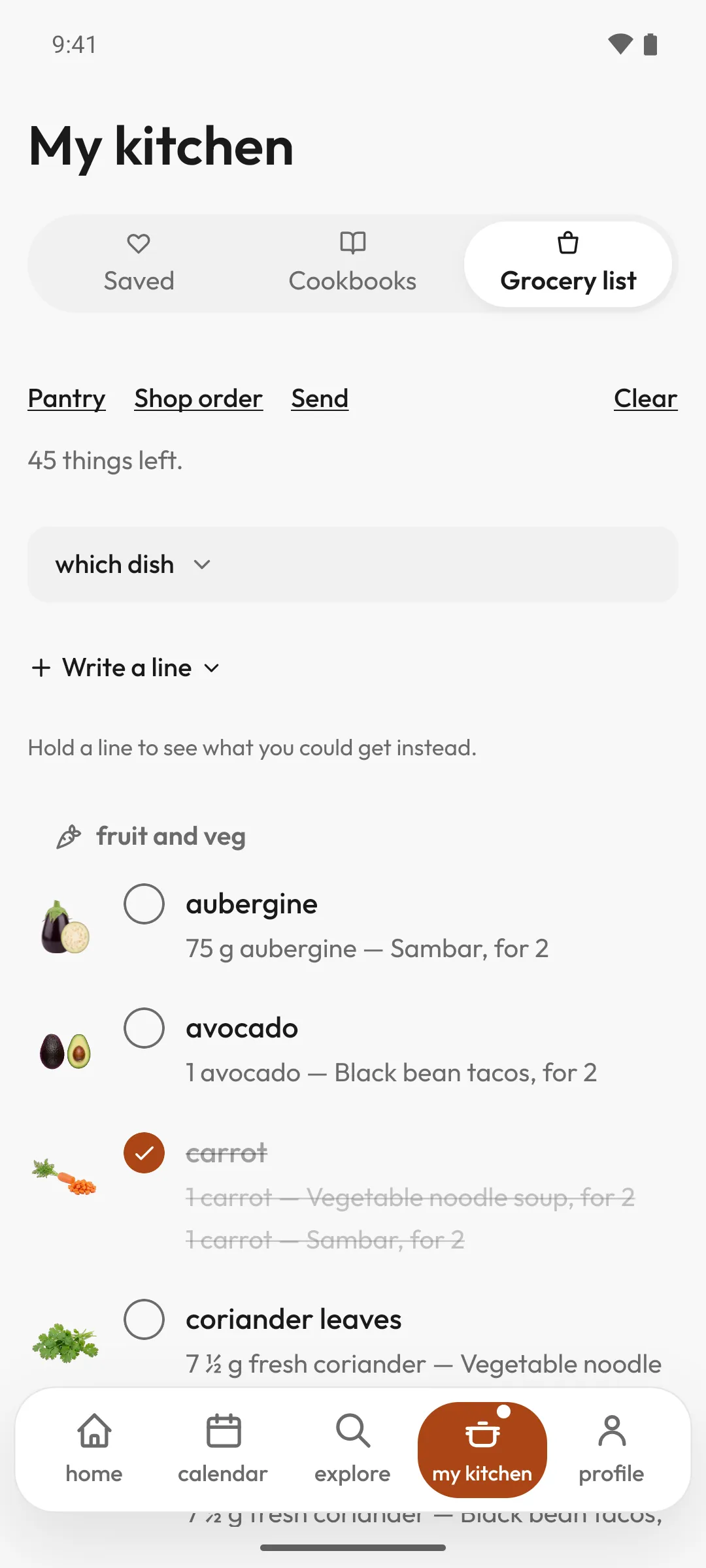
One list, in the order you walk the shop.
Add what you don’t have from any recipe in one tap, write in anything else, and send it to whoever’s shopping.
Grouped by the sections of the shop
Each line names the dish it’s for
Hold a line to see what you could get instead
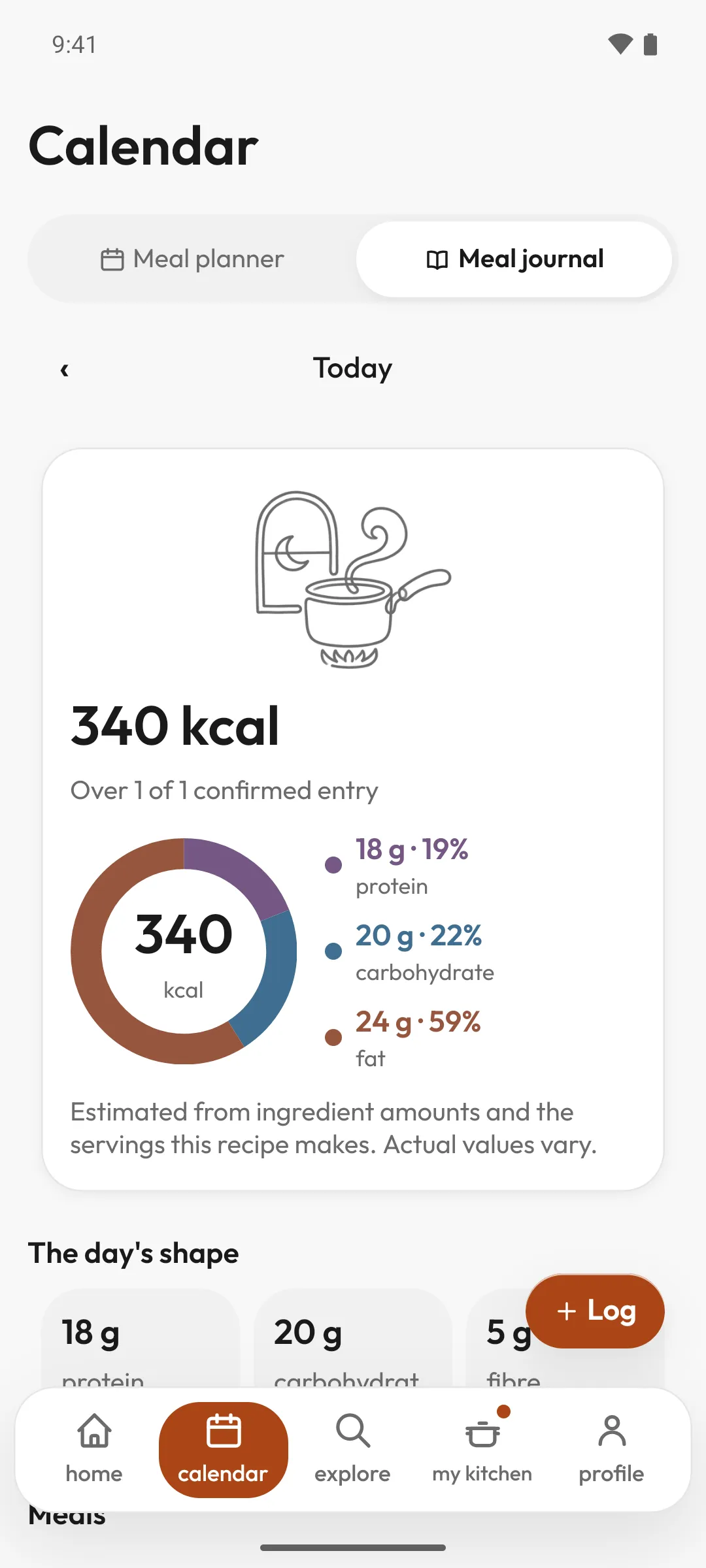
Meal journal
What you ate, not what you cooked.
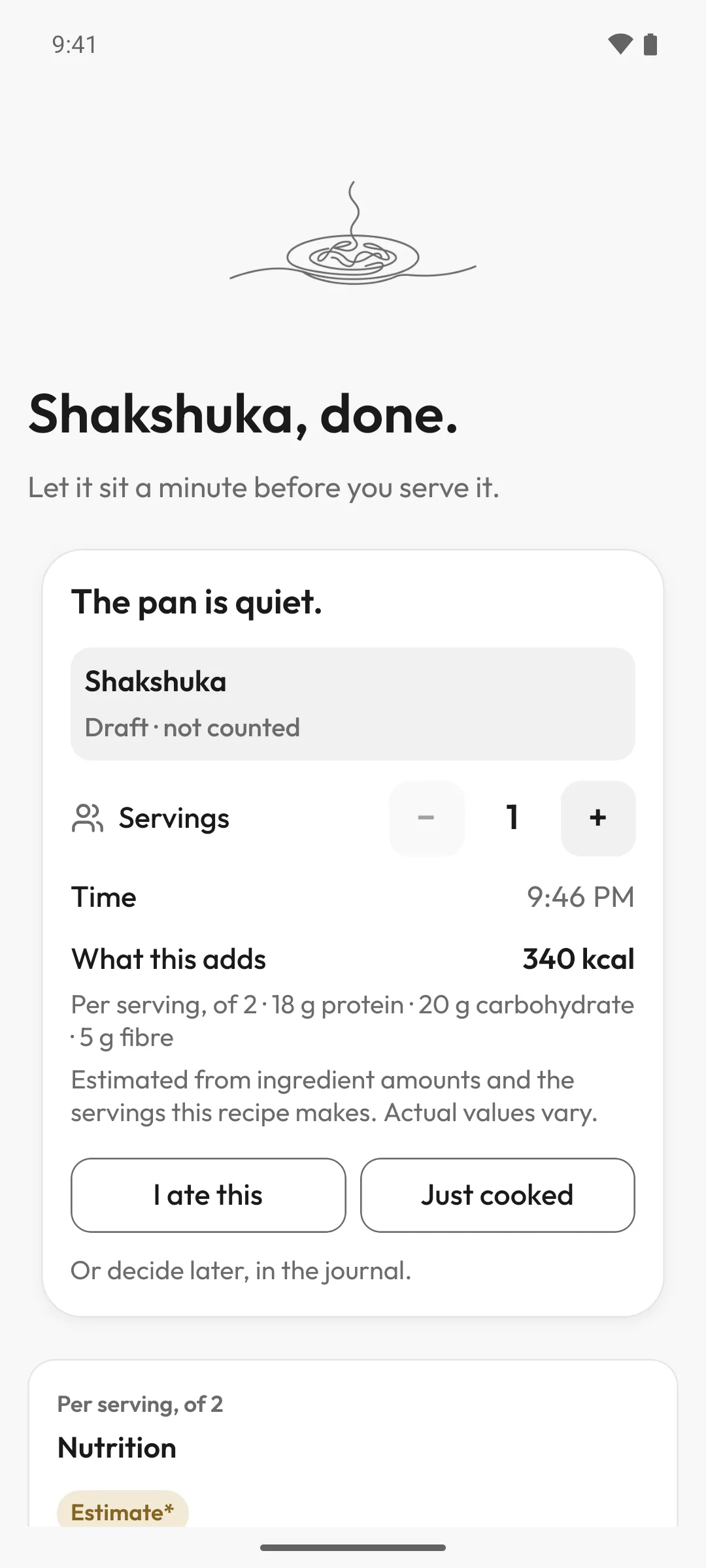
You confirm what you ate, and the journal keeps it, with what it adds per serving.
Nutrition for every recipe in the library
Estimated from the ingredients, and labelled so
The day’s shape at a glance
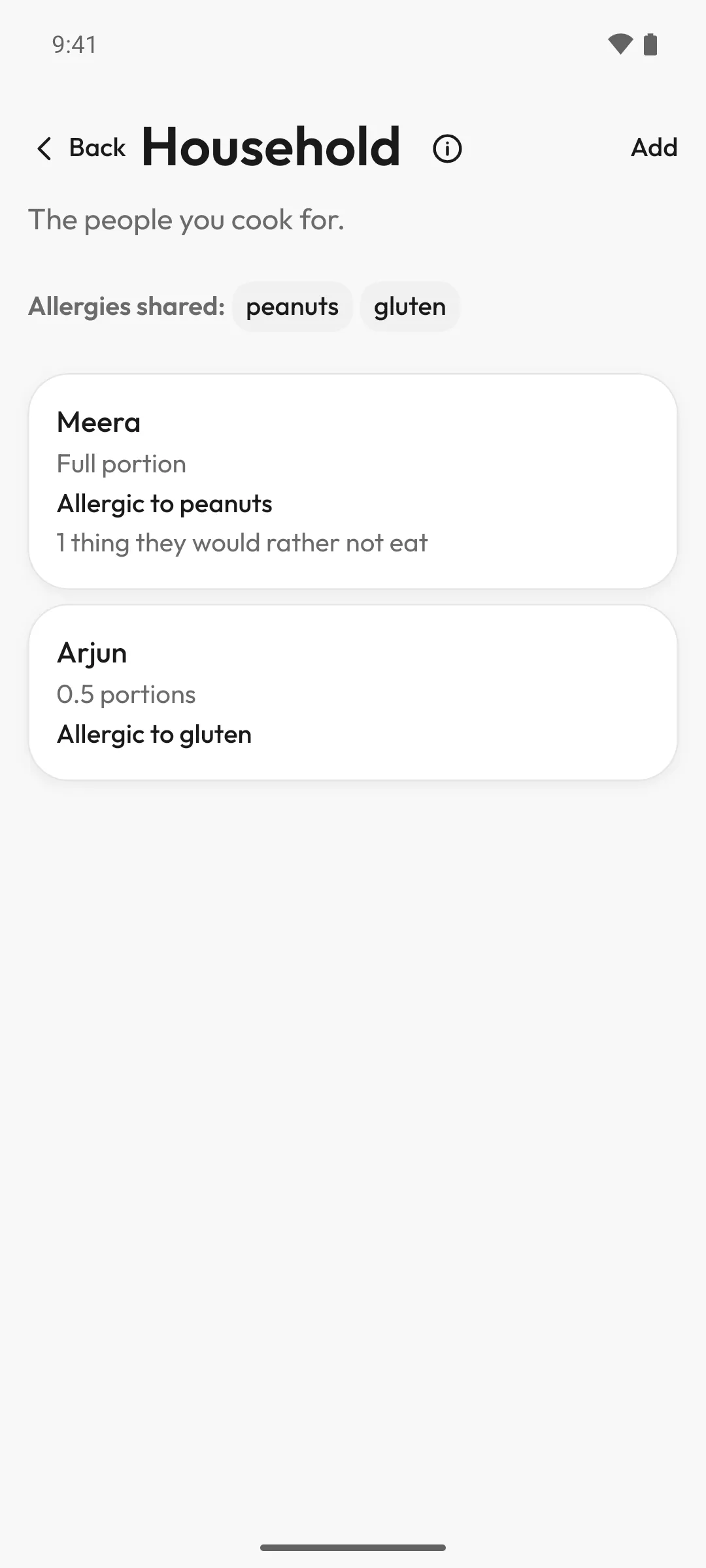
Household
For everyone at the table.
Add the people you cook for, with their portions and their allergies.
A portion size for each person
Allergen filters hide recipes with what you and your household avoid
Community recipes
A free community collection, reviewed before it appears.
Our promises
Quiet by design.
Waft helps you cook, then gets out of the way.
No ads.
And we don’t sell your data.
Speech is recognised on your phone.
Questions you ask are answered online.
No feed to scroll.
No endless list of what to cook next. Waft is done when you are.
Nothing to keep up with.
No counting days, no guilt. Cook when you feel like it.
Nothing saved until you say so.
A planned week waits for your yes. Cooked isn’t eaten until you confirm it.
Yours to keep, or to delete.
Export or delete everything, from inside the app.
Questions
Before you start.
Is the first recipe really free?
Yes, and you don’t need an account or a card for it.
How do I cancel?
Any time, in your App Store or Google Play account. What you’ve already paid for runs to the end of its month or year.
When does Zuri listen?
Only when you ask it to. Hands-free is off until you turn it on.
Do I have to talk to it?
No. Everything you can say has a button too.
Which phones does it run on?
iPhone and Android.
Pricing
Start tonight.
Your first recipe is free. Then one subscription, monthly or annual.
With a subscription
Every recipe in the library guided start to finish by Zuri: read aloud, hands-free if you like, with the timer and answers at the stove
The meal planner
The grocery list
The meal journal, with nutrition
Monthly or annual: the same Waft, no tiers
Cancel any time in your store account
The store shows the price in your own currency before you subscribe.
Free, with or without a subscription
Browsing and searching the whole library
Every recipe’s story, ingredients, timings and photography
One guided cook, chosen to suit what you eat, for as long as you have the app
Every community recipe, in full
Saving recipes from links and cooking them with Zuri, and cookbooks to keep them in
Coming soon to iPhone and Android.
Get updates
Leave your email and we’ll write once, when Waft is in the stores.
Only for this, and you can ask us to remove it. Privacy